Close CRM Review (Pros, Cons, & Pricing)

Finding the right CRM (Customer Relationship Management) tool can feel like trying to find a needle in a haystack. You want something powerful enough to handle your data, but simple enough that your team actually uses it.
If you’ve been looking at Close CRM, you might be wondering how it stacks up against giants like Salesforce or HubSpot. Is it the right fit for your sales process?
In this review, we’re breaking down exactly how Close works, its unique features, and the pros and cons you need to know before pulling out your credit card.
The Big Picture: What is Close?
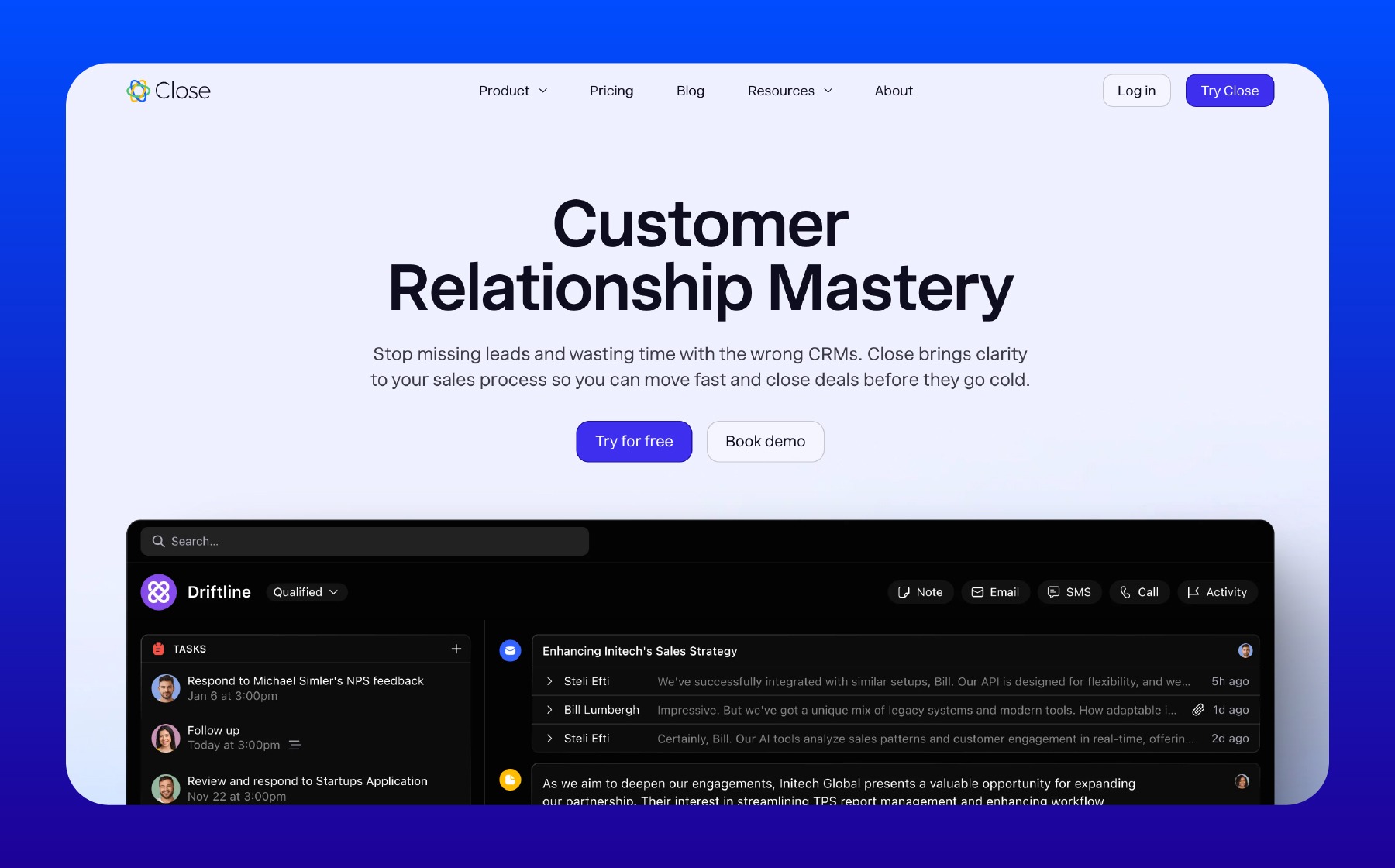
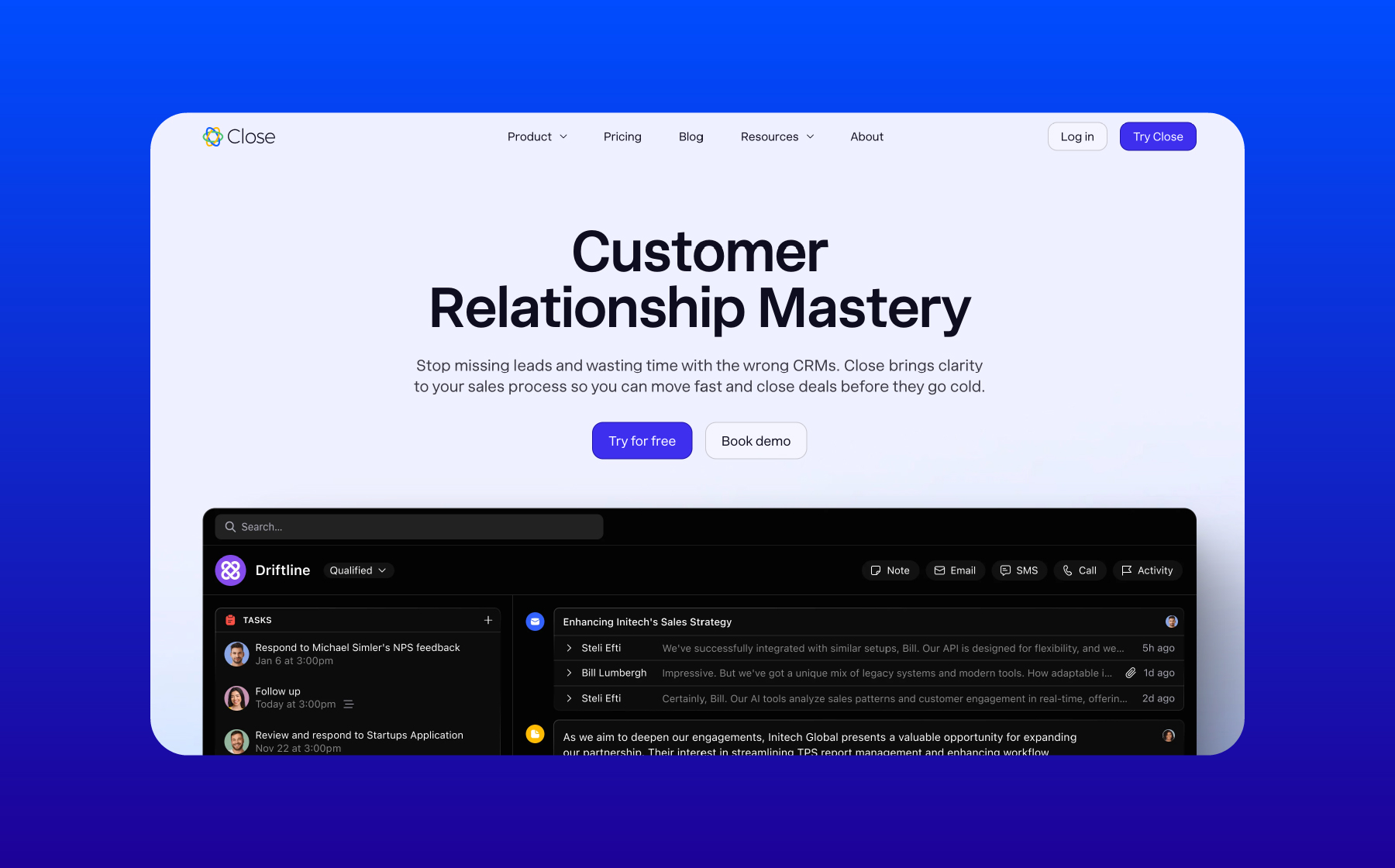
At its core, Close is designed to be a sales-focused CRM. It occupies a middle ground in the market: it is definitely simpler and easier to navigate than a beast like Salesforce, but it handles data differently than HubSpot.
If you are looking for a tool that prioritizes communication and keeps your data in one place, Close is a strong contender. Here is a breakdown of the key features.
1. The "Lead" Container Structure

One of the best things about Close is how it organizes your data. In many CRMs (like HubSpot), you have to juggle separate records for "Deals," "Companies," and "Contacts," and then figure out how to link them all together. It can get messy.
Close simplifies this by using a Lead-centric view.
- Everything lives in one place: When you open a Lead (e.g., "The Bluth Company"), everything is right there.
- Unified Data: All the contacts, tasks, opportunities, and communication history associated with that company are stored inside that single Lead profile.
The Workflow: The typical workflow in Close is structured but manual. You bring a company in as a Lead. Once you talk to them and determine they are a good fit, you mark them as "Qualified." Then, you manually create an "Opportunity" to start tracking the actual potential revenue.
While this keeps things organized, keep in mind that it adds a few extra clicks compared to simple "Kanban" style pipelines where the deal simply slides from left to right like you might find in a more modern CRM.
2. Workflows and Automation
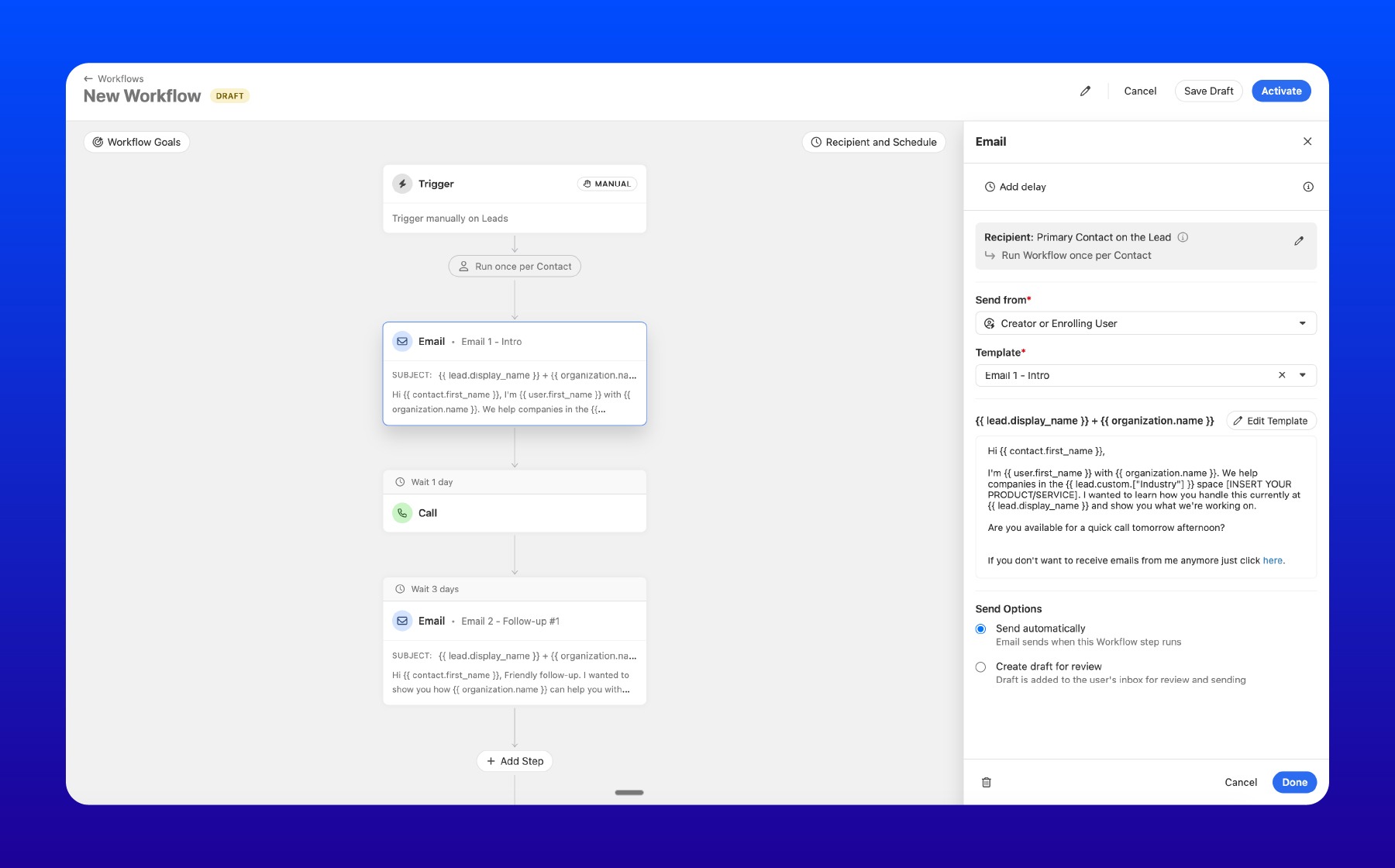
Modern sales teams need automation, and Close has made big improvements here. Their Workflow Builder is visual and relatively easy to use.
What you can do:
- Assign Users: You can automatically assign leads to specific sales reps.
- Email Sequences: Set up automated follow-ups (e.g., "Wait 3 days, then send Email B").
- SMS Capabilities: This is a cool feature. Close allows you to integrate text messaging into your workflows. While this isn't ideal for cold outreach (due to regulations), it is fantastic for following up with leads who have already engaged with you.
The "Template" Downside: There is one quirk you should know about. When building email sequences in Close, you cannot just free-write an email inside the workflow builder. You have to create a Template first, and then insert that template into the workflow.
This sounds minor, but if you are creating specific, one-off sequences, your "Templates" folder can get cluttered very quickly with emails that you only intended to use once.
3. Pricing

How much does Close CRM cost? Close positions itself as a premium tool.
- Base Package (no automations): Starts around $59 per month.
- Advanced Features: To get the full suite of features, you are looking at the next tier up, which is $109 per month per user.
For this price, you get a system that is highly customizable with granular permission settings, which is great for larger teams that need to control exactly who sees what.
The Verdict: Is Close a good CRM?
Close is an excellent choice if:
- You want deep customization: You need specific permission settings for different team members.
- You hate toggling tabs: You want all your contacts and opportunities for a company to live in one single "Lead" view.
- You use SMS: You want to incorporate texting into your follow-up cadence.
However, if you are looking for built-in prospecting tools or highly automated outreach at a lower price point, you might want to compare your options.
Wrapping Up: Alternatives to Consider
While Close is a robust tool, the CRM market is crowded, and "best" is subjective. Before you commit to a subscription, we highly recommend you test a few different platforms to see which interface your team prefers.
Two of the best alternatives to consider right now are Apollo.io and LeadLoft.
- Apollo.io is famous for its massive database of contacts, making it a great choice if you need data and a CRM in one.
- LeadLoft is a powerful alternative, especially if you are focused on outreach. LeadLoft offers robust LinkedIn Automation, which allows you to automate connection requests and messaging directly through the platform, something Close doesn't do natively.
Our Advice: Don't just take our word for it. Sign up for free trials of Close, Apollo io, and LeadLoft. Click around, build a test workflow, and select the one that feels the most natural for your team!
